
Midwest Office
8044 Montgomery Rd. Ste 510 Cincinnati, OH 45236 513.549.5031
See service disruptions, degradition and outages from major technology providers that are impacting your business. This hub provides information on provider status, customer portal access, and more.
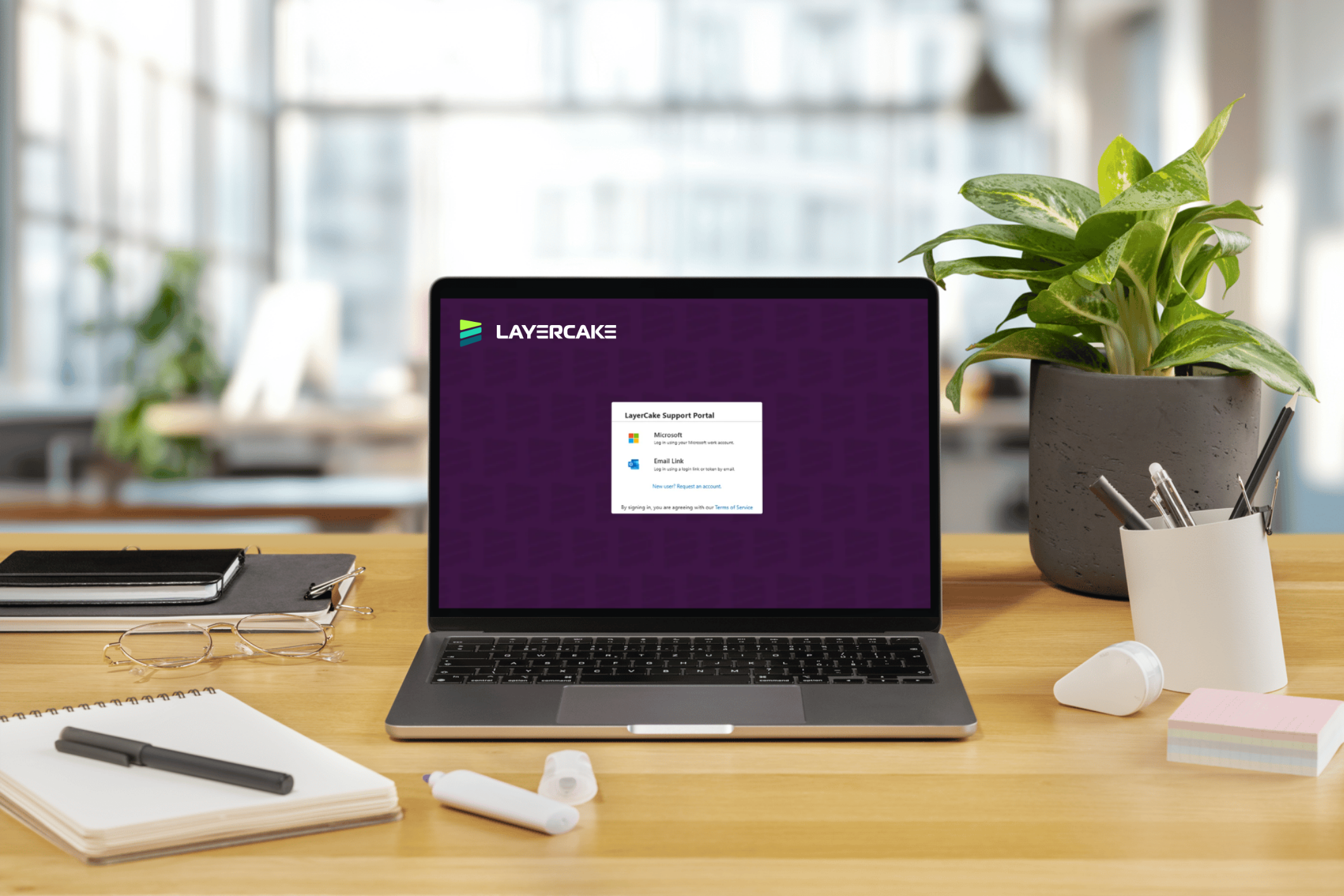
Active LayerCake Technologies clients can access their company's portal using the link below.
Did you know? You can now book a predetermined time with your support technician using our self scheduling tool. Skip the phone tag and get back to business.
Get remote technical support when you're having an issue with your device. Launch the application and share the session code with your technician, and they'll securely connect to your device and work through the problem with you.

To request assistance, click the button below to create a helpdesk ticket. Provide clear and concise details about the issue and include screenshots whenever possible so our team can investigate and resolve your request quickly.
Log in to the payment portal for convenient access to your billing information, account details, and payment options.

Contact your closest regional office team for support.
8044 Montgomery Rd. Ste 510 Cincinnati, OH 45236 513.549.5031
3237 Satellite Blvd. Ste 220 Duluth, GA 30096 404.633.2551
4201 N 24th St. Ste 230 Phoenix, AZ 85016 602.808.4400
Get answers to frequently asked questions about LayerCake Techologies' customer support, tools, and service.
The cloud service management dashboard provides a quick view of a specific service's performance status through an easy-to-read green, yellow, or red status indicator. This gives you immediate insight into performance changes that are outside the control of your managed service provider or IT support team.
The dashboard provides a list of the cloud services most commonly used by small and midsize businesses each day. These include but are not limited to Microsoft 365, Google Workspace, Adobe Creative Cloud, Salesforce, Cloudflare, and Amazon Web Services (AWS).
The cloud service dashboard highlights active outages at the top of the page. Click the caret on the left side to view additional details about current service outages. Each outage includes a timestamp so you can see when the latest update was posted.
Cloud service statuses provide a quick view of service health. Up (green) indicates the service is functioning normally with no reported issues. Warn (yellow/orange) signals a minor issue, such as degraded performance, a partial outage, but the service is still available. Down (red) indicates a major outage affecting core functionality and users' ability to access the service. Maintenance (blue) reflects scheduled work that may cause limited disruption but is expected and not considered an incident.
If a cloud service is reported as "up", the issue may be isolated to your organization, network, device, or user account rather than the service itself. Check your internet connection, sign out of the application and sign back in, and confirm whether other users in your organization are experiencing the same issue. If the problem persists, submit a ticket through your company's customer support portal or contact your IT support team by email.
We are here to help with a team of IT experts dedicated to finding the right level of support for your business.